 Content
- What Is a Desktop Robot?
- JANOME Desktop Robot Model Codes
- 1. Size - Operating Range and Payload Capacity
- 2. Number of Axes (XYZ + R Axis)
- 3. Encoder and Product Type
- 4. Control Interface Options (Start Switch and Program Select Placement)
- 5. Power Supply Specification (Outlet Options)
- Selecting the Right Desktop Robot for Your Application?
As manufacturing environments continue to pursue higher precision and smarter automation, desktop robots are becoming a standard solution for compact, high-accuracy applications such as dispensing, screw fastening, soldering, and PCB routing.
Despite their relatively simple structure, selecting the right desktop robot is not always straightforward. Questions such as “Which model should I choose?” and “What payload capacity is sufficient?” often arise during project planning.
This article outlines five critical technical criteria to help you select the most suitable JANOME desktop robot for your application.

Note: The explanations below are based on the JR3000 Series. Certain model configurations and naming conventions may differ in the JR4000 Series. Always verify the specifications of the selected series before finalizing your decision.
What Is a Desktop Robot?
A desktop robot is a Cartesian robot system that operates through linear motion along the X, Y, and Z axes. Some models also include an R axis for tool rotation.
Typical Configuration
- 3-axis: X, Y, Z or 4-axis: X, Y, Z + R (±360° rotation)
- Stepping motor drive system
- X-table work platform
- High-precision path control

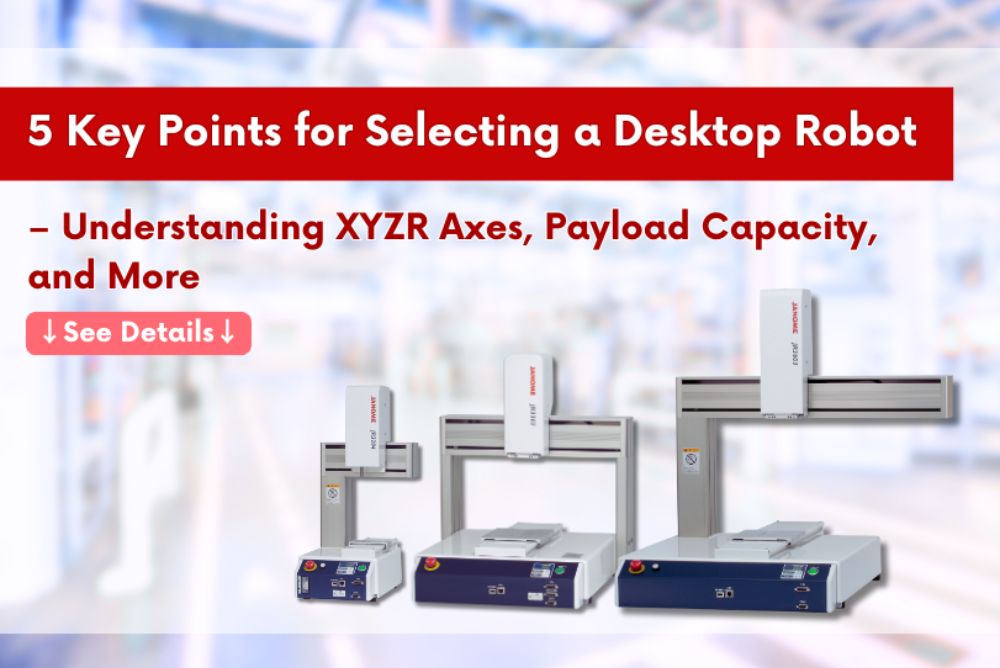
2 Janome standard desktop robot: JR4000 series and JR3000 series
The robot moves the tool head along orthogonal coordinates while the workpiece remains fixed on the table.
Because of this structure, desktop robots are best suited for small to medium-sized components. They are not designed for handling large workpieces or picking parts from moving conveyor systems. However, within their intended scope, desktop robots offer significant advantages:
- High positioning accuracy
- Excellent repeatability
- Rigid and stable mechanical structure
- Compact footprint
- Easy programming, deployment, and maintenance
JANOME Desktop Robot Model Codes
JANOME model codes are structured to reflect five key parameters that directly impact selection.
By understanding how to interpret each element in the model code, you can quickly identify the configuration that aligns with your process requirements.
Model JR3000 series
| Example |  |
||||
|---|---|---|---|---|---|
| (1) Device Type |
(2) X-Y Axes Stroke(mm) |
(3) Number of Axes |
(4) Encoder - Product Type |
(5) Operation Panel Specifications |
(6) Power Supply Specifications |
| JR3000 Series | 20: 200 x 200 30: 300 x 320 40: 400 x 400 50: 510 x 510 60: 510 x 620 |
2: 2 Axes 3: 3 Axes 4: 4 Axes |
E: Encoder Included N: Without Encoder F: Heavy Duty Robot |
A: Installed Switch Spec B: Switchbox Spec C: Basic Switchbox Spec |
C: mainly the EEA and Korea J: mainly Japan |
Model JR4000 series
| Example |  |
|||||
|---|---|---|---|---|---|---|
| (1) Device Type |
(2) X-Y Axes Stroke(mm) |
(3) Number of Axes |
(4) Encoder - Product Type |
(5) Operation Panel Specifications |
(6) Power Supply Specifications |
(7) CE Declaration |
| JR4000 Series | 20: 200 x 200 30: 300 x 320 40: 400 x 400 50: 510 x 510 60: 510 x 620 |
3: 3 Axes 4: 4 Axes |
E: Encoder Included N: Without Encoder |
A: Installed Switch Spec B: Switchbox Spec C: Custom Switch Spec |
0: 100-120/200-240V 50/60Hz (No outlet) 1: 100-120V 50/60Hz (100V outlet)*2 2: 200-240V 50/60Hz (200V outlet)*2 |
A: Not Declared (for sale in Japan only) B: Declared (Power Supply Specifications: 0 only) |
*1 Motor Synchronization Error Detection Function
*2 The JR4200 CE Declared, with I/O-S2 added type has no outlet.
1. Size - Operating Range and Payload Capacity
JANOME’s desktop robots are available in five different sizes (see table below).
| Operating Range [mm] | Maximum Portable Load [kg] *2 | ||||
|---|---|---|---|---|---|
| X | Y | Z | R*1 | Workpiece | Tool |
| 200 | 200 | 50 | ±360° | 7 | 3.5 |
| 300 | 320 | 100 | 15 | 7 | |
| 400 | 400 | 150 | |||
| 510 | 510 | ||||
| 510 | 620 | ||||
*1: For a 4-axis robot.
*2: The JR3000 series with a Heavy-Duty specification can handle workpieces up to 20 kg
When determining the appropriate size, consider:
- Required operating stroke
- Tool weight, such as dispensing valves, screwdrivers, or PCB routers
- Workpiece and fixture weight
Selecting the correct size ensures stable motion control, proper acceleration performance, and long-term reliability.
Technical Considerations:
- Payload directly affects stability and acceleration
- Overloading may cause step-out in stepping motors
- Excessive stroke length can increase cycle time
2. Number of Axes (XYZ + R Axis)
JANOME offers both 3-axis and 4-axis models.
- 3-axis models provide linear motion along X, Y, and Z
- 4-axis models add an R axis for rotational movement
If your application requires tool rotation or angular adjustment during processing, a 4-axis model is necessary.
If rotational movement is not required, a 3-axis configuration is sufficient and can reduce overall system cost.
3. Encoder and Product Type
JANOME offer the following specifications tailored to different applications:
| Model Code | Specification Overview |
|---|---|
| N | Without Encoder |
| E | Encoder Included (enables step-out detection and error-stop functionality) |
| F | Heavy-Duty Model (supports up to 20 kg for the workpiece and 15 kg for the tool) Available in two sizes: 300×320 and 400×400 (dual-arm support) |
| T | Twin-Table Model (Equipped with two X-tables, enabling simultaneous processing and setup operations.) |
| ERT | PCB Depaneling Model with Upper side Dust Collection Type |
| EBV | PCB Depaneling Model with Underside Dust Collection Type |
| ST | Dedicated Screw Fastening Model |
| AP-D | Dedicated Dispensing Model with Position and Height Adjustment Using Vision and Sensors |
About the Encoder-Included Specification
Desktop robots typically use stepping motors. Under excessive load or improper parameter settings, step-out may occur, leading to position deviation.
Encoder-equipped models offer enhanced protection by:
- Detecting step-out conditions
- Automatically stopping the system when an error occurs
- Preventing positional inaccuracies
- Supporting stable product quality
For applications requiring strict precision control and quality assurance, selecting a model with encoder feedback is highly recommended.
4. Control Interface Options (Start Switch and Program Select Placement)
You can choose from three configuration options based on where the program number is displayed and switched, as well as where the start operation is performed.
- A: Installed Switch Specification
- B: Switchbox Specification
- Cấu hình C: Basic Switchbox Specification

The optimal choice depends on your production line layout, operator accessibility, and standard operating procedures.
5. Power Supply Specification (Outlet Options)
This selection refers to whether the robot includes a power outlet, and if so, what voltage it supports.
- C: No outlet included
- No symbol: Outlet included (supports 200V)
- Y: Outlet included (supports 100V)
Ensure compatibility with your factory’s electrical system before ordering.
Overview – Fundamental Knowledge of Janome Desktop Robots
The Basic Structure of Desktop Robots, 5 Key Criteria for Selecting a Desktop Robot, and a Comparison Between Desktop Robots and Articulated Robots – All in This Document! (English version below)
DOWNLOAD PDF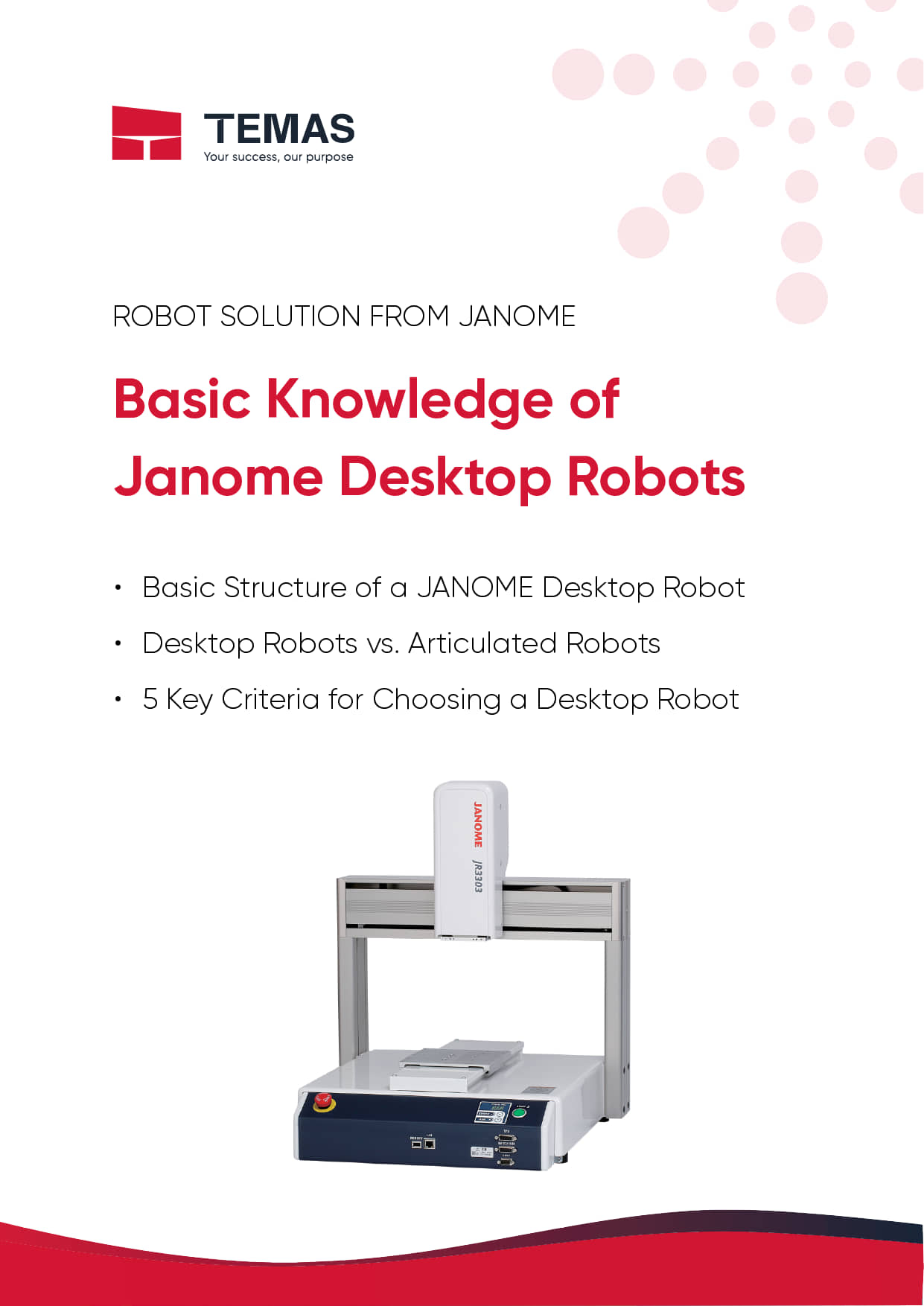
Selecting the Right Desktop Robot for Your Application?
There is no one-size-fits-all configuration. The optimal desktop robot depends on:
- Application requirements
- Tool and workpiece characteristics
- Required precision level
- Production line layout and operating environment
For detailed specifications of JANOME desktop robot series, refer to the official catalog here.
Temas, as the official Janome distributor in Vietnam, provides technical consulting, model selection support, system integration guidance, and maintenance services to help manufacturers implement reliable desktop robot solutions.
Contact us to discuss the most suitable configuration for your production needs.


 Read more